How to stash Your Work and pop it Back: Simplified Git Workflows.
Git & Github
The "Save Game" Button for Your Code: A Beginner’s Guide to Git Stash
We’ve all been there: You’re deep in the "zone," writing a new feature. Suddenly, a teammate messages you: "Hey, there's a critical bug on the main branch! Can you fix it ASAP?"
You look at your current code. It’s half-finished. If you commit it now, your history will be full of "Work in progress" junk. If you try to switch branches without committing, Git might yell at you and block the move.
Enter git stash—the ultimate "Save Game" button for programmers.
What is Git Stash?
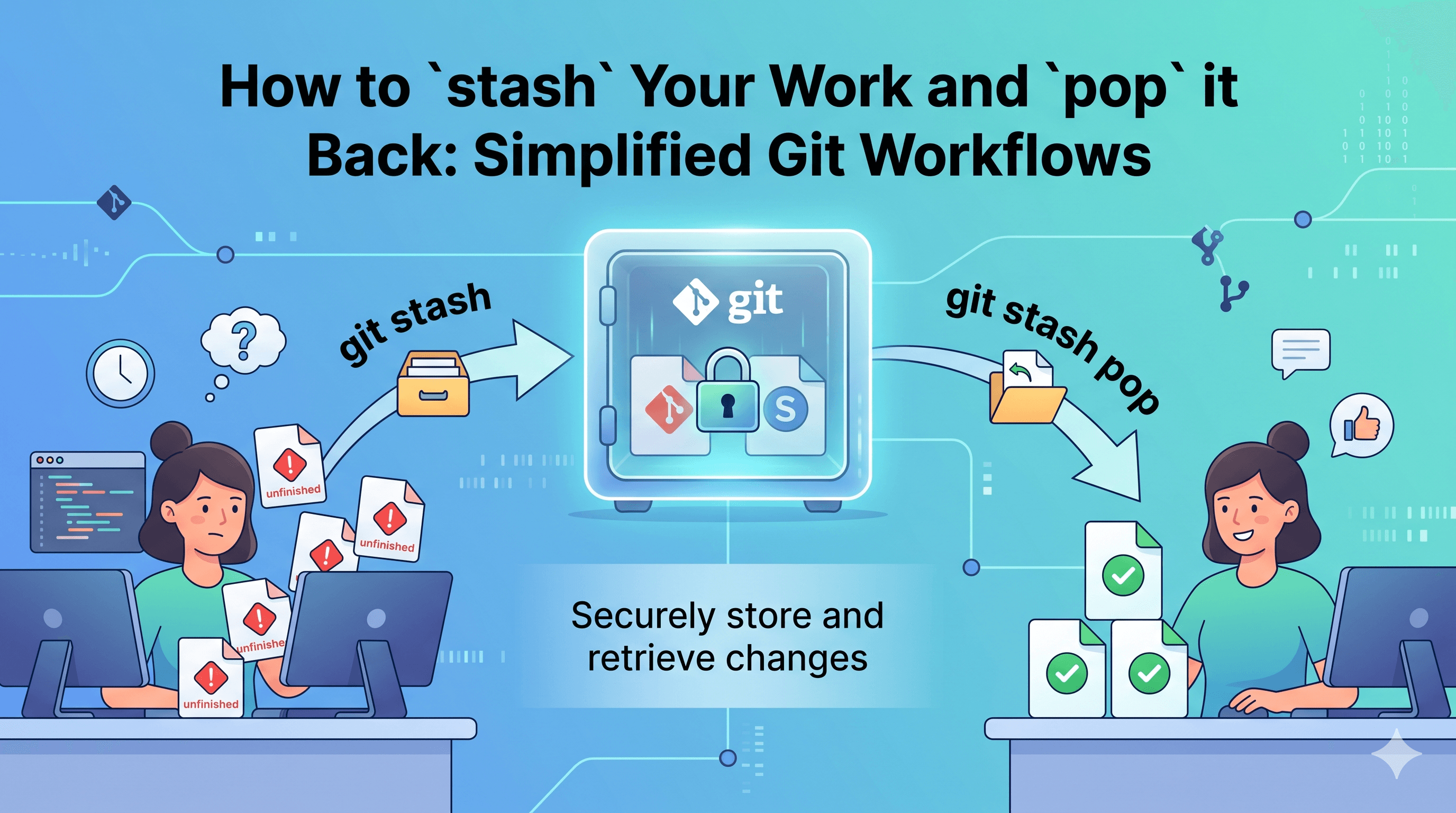
Think of git stash like a physical drawer in your desk. When you aren't ready to finish a task but need a clean desk, you sweep all your papers into the drawer and close it. Your desk is now empty, and you can start a new project.
When you’re ready to get back to work, you open the drawer (git stash pop) and put the papers back exactly where they were.
The 2-Step Workflow
Step 1: Stash it
When you need to clear your workspace, run:
bash
git stashUse code with caution.
What happens: Your uncommitted changes (modifications) disappear from your files and are stored safely by Git. Your workspace now looks like the last time you committed.
Step 2: Pop it
Once you’ve finished that urgent bug fix and switched back to your original branch, run:
bash
git stash popUse code with caution.
What happens: Git takes the changes out of the "drawer" and reapplies them to your files. It also "pops" the stash—meaning it deletes the temporary record now that the code is back in your hands.
Pro Tips for Beginners
Don't forget the new guys: By default,
git stashonly saves files Git already knows about. If you created a brand new file, usegit stash -u(the-ustands for "untracked") to make sure it gets saved too.Give it a name: If you stash things often, they can get confusing. Use
git stash save "Working on login logic"so you can remember what’s inside later.Check your drawer: Want to see what you have saved? Type
git stash listto see a list of all your "saved games."
Summary: Stash vs. Pop
git stash: "I’m not done, but I need to hide this work for a minute."git stash pop: "I’m back! Put my work back where I left it."
It’s that simple! Now you can handle "urgent" interruptions without ever ruining your Git history with messy, unfinished commits.